Demoly
Just provide a website address, and a product demonstration video will be generated immediately.
Introduction
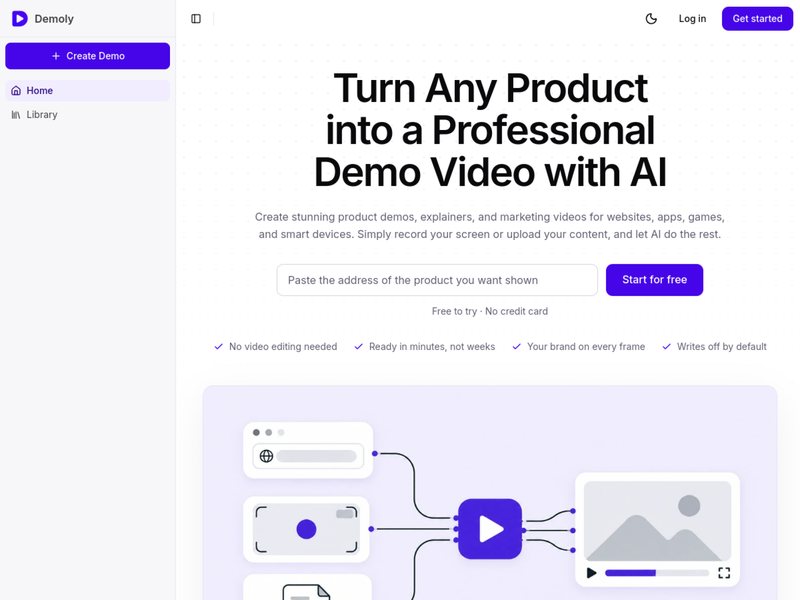
Creating a product demonstration video usually involves taking screen recordings, writing scripts, adding voiceovers, and editing the footage – a process that can take several days. Demoly aims to streamline all these steps into just one.
You can provide it with a product website address, and it will automatically navigate through the entire user interface; Alternatively, you can provide a recording, a set of images, or a document. After that, it will handle all the tasks related to script writing, narration, and video editing. For hardware products, since it’s not possible to record videos, you can start by providing renderings and specification documents.
One processing session will produce four different items simultaneously: a demo video to be placed on the landing page, a tutorial video for new users, a graphic-rich help document that can be published immediately, and a short video clip suitable for sharing on social media platforms. The options for narration and subtitles include the ability to select different languages, and the visual content can also incorporate one’s own brand elements.
It can be tried out for free, and there is no need to link it to a credit card.
For teams in the SaaS, app development, gaming, and hardware sectors that do not have dedicated video professionals, using this tool to create the initial version is a very convenient option. Whether the resulting video is of sufficient quality for a launch event depends on whether the product’s user interface itself is suitable for automatic quality inspection.
Before using it to create vertical-screen short dramas, you can check in TVLab how popular shows on the same topic begin and what twists occur in which episodes. Then, select an inspiration card with a detailed script breakdown and use it to generate each scene one by one, according to the sequence of shots.