AI TOOL / #02182
Autodoc
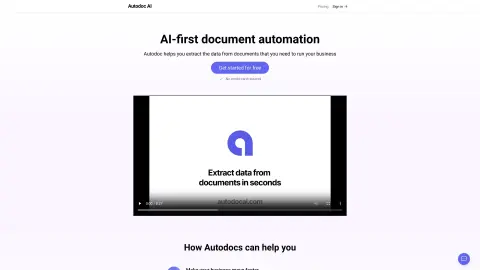
Autodoc extracts data from documents by using simple Chinese definitions and straightforward procedures.
Introduction
Autodoc extracts data from documents using plain English definitions and simple steps.
What is Autodoc?
Autodoc is capable of extracting data from documents. Without the need for complex formats or settings, users can simply define the content they want in Chinese, upload their documents, obtain the desired results, and then export them to their preferred tools.
How to use Autodoc?
Steps to use Autodoc: 1) Define the content you want to document in simple Chinese; 2) Upload the document; 3) Obtain the results; 4) Export them to your preferred tool.
The core features of Autodoc
Extract data from the document.
Define the extraction requirements in simple Chinese terms.
Upload documents with ease.
Export data to various tools.
Related
Move AI
Move AI converts 2D videos into 3D motion data, enabling the creation of highly realistic character animations.
Dreamery
AI-powered services can transform selfie photos into professional profiles and creative images.
Magic Copy
Chrome extension to copy yourself and remove image background.
Immagin
An AI-driven image processing API and CDN designed to optimize the delivery of images and videos.
Anthropics Technology Ltd
AI-powered image editing software and solutions for both enterprises and individuals.
Oven AI
Oven AI: Use AI to create unique 3D icons.