AI TOOL / #06325
ChatGPT Voice Assistant
The voice-activated ChatGPT interface supports text-to-speech conversion and multiple languages.
Introduction
Voice-activated ChatGPT interface with text-to-speech and multi-language support.
What is the ChatGPT Voice AI Chrome extension/plug-in?
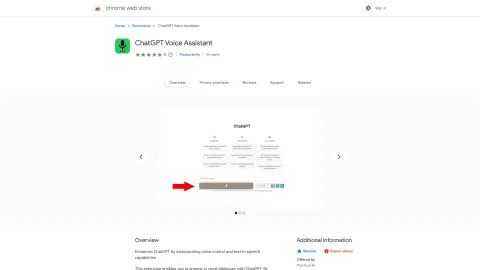
This tool allows you to capture voice input and send it to ChatGPT. The responses generated by the system can be listened to aloud (this option can be disabled if desired). It supports multiple languages, and you can start capturing voice data by clicking the microphone button or holding down the spacebar.
How to use the ChatGPT Voice AI Chrome extension/plug-in?
Click the microphone button or hold down the spacebar to record your voice input. This tool will send your recorded voice to ChatGPT, which will then read out the response. You can also choose to disable the text-to-speech function if you prefer to read the responses directly.
The core functions of the ChatGPT Voice AI Chrome extension/plug-in
Voice input for ChatGPT
Text-to-speech output generated by ChatGPT
Multilingual support
Capture voice input using the microphone button or the spacebar.
Related
STN: Lecture to Notes
A Chrome extension that converts lectures into clear and concise notes.
Voice Vault
Voice Vault transcribes voice messages into text on WhatsApp.
Voice Writer
Voice Writer uses AI-powered grammar correction to transcribe speech into text, enabling faster writing.
Claude Speech-to-Text
Adding voice input to Claude.ai makes it easier to interact with the system.
ChatGPT Pro – Advanced Features
A ChatGPT-enhanced tool that offers features such as text-to-speech conversion, the ability to save prompts, and the option to select content.
Wispr Flow
Wispr Flow is a Mac voice input app that quickly and accurately converts speech to text.