AI TOOL / #06683
VoiceChatter
Convert speech into text in Chatter format.
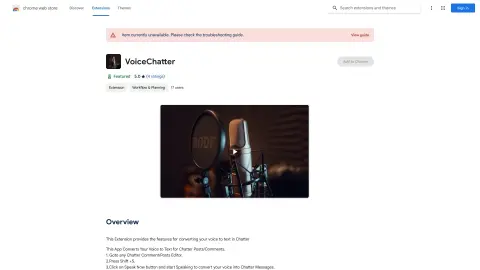
Introduction
Converts voice to text for Chatter posts and comments.
What is the Voice to Chatter Converter AI Chrome extension/plug-in?
This application converts your voice into text for Chatter, allowing you to create messages quickly and easily using voice recognition technology.
How to use the Voice to Chatter Converter AI Chrome extension/plug-in?
1. Open any Chatter comment/posting editor.
2. Press Shift + S.
3. Click the “Speak Now” button and start speaking; your voice will be converted into a Chatter message.
The core functionality of the Voice to Chatter Converter AI Chrome extension/plug-in
Chatter's text-to-speech function
Related
Suppa
A code-free platform designed for developing AI backends and customized chatbots.
Botme.io
A platform designed for building and integrating personalized AI chatbots on websites.
DialogAi
DialogAi is a ChatGPT-powered WhatsApp chatbot that can answer questions and transcribe voice messages.
Corpus-X
Corpus-X provides enterprises with tailored AI solutions, including AI search and VizGPT analytics.
BabbleBox.ai by MakeForms.io
BabbleBox.ai creates human-like AI communication experiences and conversational interfaces for applications.
Splutter AI
AI chatbot and voicebot platform for business automation and customer engagement.