AI TOOL / #07070
TranslateAir
AI-driven translation and OCR tools suitable for macOS.
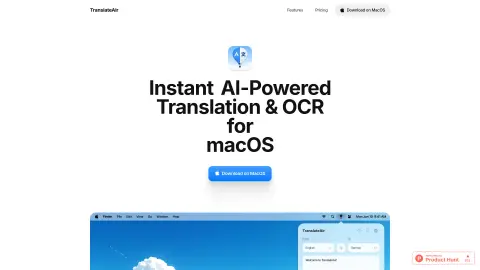
Introduction
AI-powered translation & OCR tool for macOS.
What is TranslateAir?
TranslateAir is an AI-powered translation and Optical Character Recognition (OCR) tool designed for macOS. It enables users to instantly translate text from any application, website, or document. Its features include a real-time floating toolbar, intelligent rewriting options, customizable shortcuts, access via the menu bar, as well as advanced OCR capabilities that allow users to capture text from anywhere.
How to use TranslateAir?
Select text from any application, website, or document. A floating toolbar will immediately appear beside it, making the translation process extremely easy. You can also use custom keyboard shortcuts to initiate translations or perform OCR operations.
The core functions of TranslateAir
AI-driven translation
Intelligent rewriting
pop-up translation
Text OCR extraction
keyboard shortcuts
Multi-language support
Related
OETStudy
An AI-powered platform designed to assist in preparation for the DetNl English Test.
BoldVoice
An accent training app that offers Hollywood-style coaching sessions and AI-based feedback to help users speak English more clearly.
Talkery: AI analyser
Talkery is a Chrome extension powered by AI speech analysis technology, which provides real-time feedback on communication patterns and offers suggestions for improvement.
Instaminutes – #1st Meeting Intelligence tool
Instaminutes reduces meeting summaries to concise, actionable notes that are only one-tenth the length of the original transcribed text.
Rafiki
Record, transcribe, summarize, and analyze online meetings.
Meetklu
Klu Meet captures and transcribes meetings, while also providing AI-generated notes.