AI TOOL / #07091
ScreenRedact
A Mac application designed to use local machine learning techniques to identify and highlight text within images.
Introduction
Mac app for redacting text in images using on-device machine learning.
What is ScreenRedact?
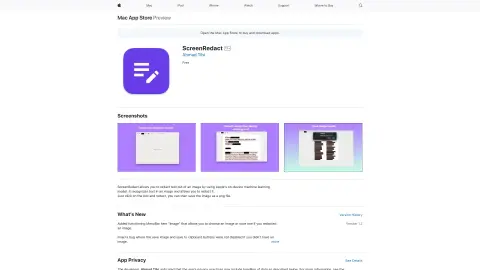
ScreenRedact is a Mac application developed by Ahmad Tibi that allows users to quickly conceal sensitive information from images. It utilizes Apple’s native machine learning technology to identify text within images and provides a user-friendly interface for masking those areas. The modified images can then be saved in PNG format.
How to use ScreenRedact?
Open an image in ScreenRedact, and the application will automatically detect any text present. Click on the text to darken it. Save the darkened image as a PNG file.
The core functions of ScreenRedact
Using Apple’s native machine learning technologies for text masking/darkening.
Save the image in PNG format.
Copy the image to the clipboard.
Related
SmartGym
Smart Fitness creates personalized workouts, tracks progress, and provides AI-driven recommendations.
fitnessai.com
Training applications powered by artificial intelligence offer personalized exercise plans and help users improve their strength more quickly.
Dream Advisor
An artificial intelligence-based dream analysis application designed for personalized dream interpretation and self-discovery.
Myfit-AI
AI personal fitness trainer provides customized workout and nutrition plans.
SafePlates
SafePlates is a personalized recipe generator tailored to dietary needs and preferences.
Rejoy
An integrated family organizer that offers shared calendars, tasks, notes, and an artificial intelligence assistant.